How to Send a CV by Email
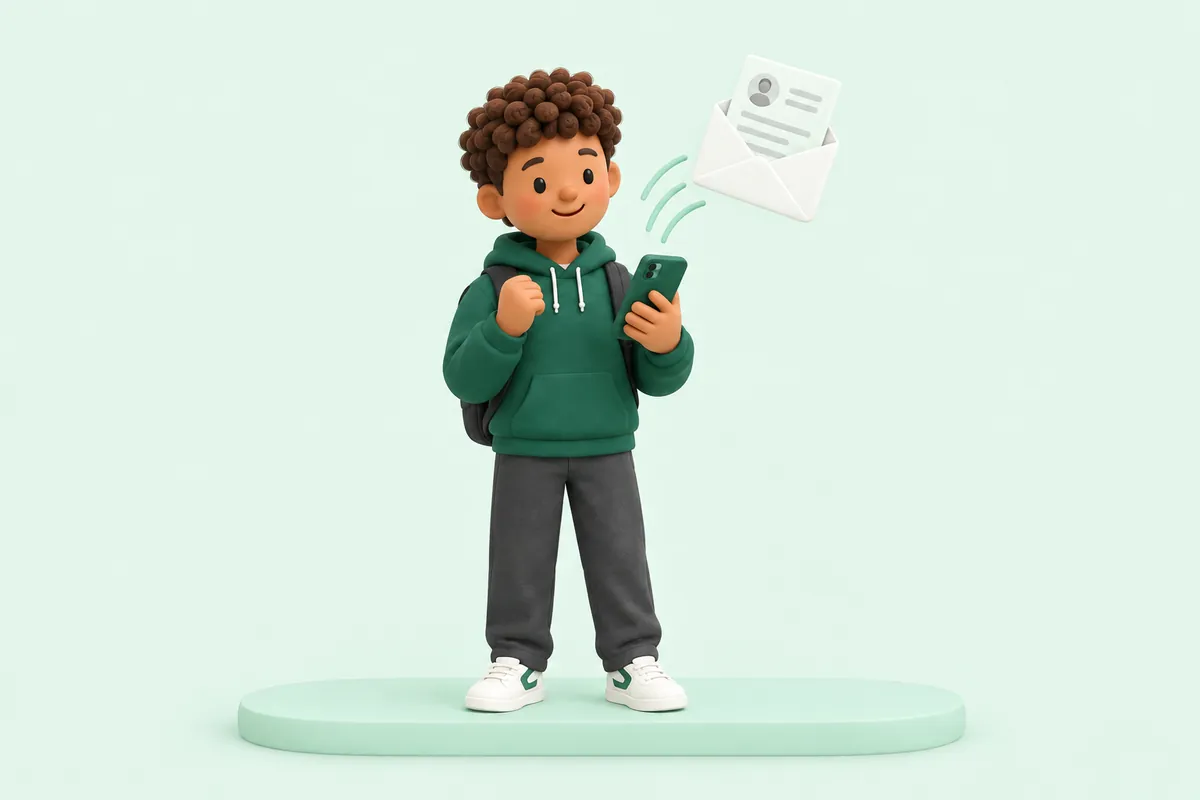
When you send a CV by email, use a clear subject line naming the role, write a short, polite message in the body of the email, and attach your CV as a clearly named PDF file. Keep the whole email brief; the CV and any cover letter do the detailed work.
Writing a clear subject line
Your subject line should say straight away which job you are applying for, so the person reading it, or their inbox, can find it easily among many applications.
A simple format works well, for example: 'Application for Warehouse Operative - Sam Taylor' or 'Sales Assistant Application - Jordan Lee'.
Avoid a vague subject line such as 'Job application' or 'CV', since these are harder to search for later and give the reader no immediate context.
If the advert gives a reference number or a specific way it wants the subject line written, follow that exactly rather than the general format above, since it may be used to sort applications automatically.
What to write in the email body
The body of the email does not need to repeat your full cover letter. A few short sentences are enough: which job you are applying for, a one-line summary of why you are a good fit, and confirmation that your CV is attached.
If you are also sending a full cover letter as an attachment, the email body can be very brief, simply introducing the attachments.
If you are not attaching a separate cover letter, you can write a slightly longer version of the email body instead, following the same structure as a short cover letter.
Open the email with a proper greeting, such as 'Dear Ms Owen' or 'Dear Hiring Manager', in the same way you would open a cover letter, rather than skipping straight to the message.
A short example email
Subject: Application for Care Assistant - Priya Shah
'Dear Ms Owen, Please find attached my CV for the Care Assistant position advertised on your website. I have several years of caring experience, including looking after a family member at home, and would welcome the opportunity to bring this into a paid care role. Please let me know if you need any further information. Kind regards, Priya Shah 07700 900123'
Notice the email itself is short. It introduces the attachment and gives one clear reason you are a good fit, rather than repeating everything on the CV.
PDF versus Word documents
PDF is generally the safer format to send, since it keeps your layout, fonts and spacing exactly as you intended, no matter what device or software the reader opens it with.
A Word document can shift its formatting depending on the software used to open it, which can make a carefully laid-out CV look messy on the other end.
Unless an employer specifically asks for a Word document, usually so they can copy details into their own system, send your CV as a PDF.
If you are ever unsure which format an employer prefers, check the job advert or application instructions first; if nothing is specified, a PDF is a safe, sensible default for almost any application you send by email.
Naming your file
Give your CV file a clear, simple name that includes your own name, such as 'Sam Taylor CV.pdf', rather than a generic name like 'CV final version 2.pdf'.
If you are attaching a cover letter as well, name it in the same style, for example 'Sam Taylor Cover Letter.pdf', so both files are easy to identify at a glance.
If you use Ceev, your CV downloads as a PDF already named after you, for example Sam-Taylor-CV.pdf, ready to attach.
Before you press send
Double-check that you have actually attached the file. It is a common and easily avoided mistake to mention an attachment and forget to add it.
Check the recipient's email address carefully, particularly if you have copied it from a job advert, to make sure it is entered correctly.
Read your short email message once more for spelling and tone before sending, in the same way you would proofread a cover letter.
If you are applying to several jobs in the same sitting, take a moment to check that the job title, business name and any details in your message actually match the application you are sending, rather than carrying over detail from a previous one.
- Clear subject line naming the role
- Short, polite email body
- CV attached as a PDF with a sensible file name
- Correct recipient email address
Sending from your phone
Many people apply for everyday jobs from their phone, which is completely fine as long as you take the same care over the subject line, message and attachment.
Save your CV somewhere you can easily attach it from, such as your phone's files app or a cloud storage app, so you are not searching for it while applying.
Read your email back before sending, since autocorrect on a phone can sometimes change words without you noticing.
If the job advert gives specific instructions
Some job adverts ask you to email your CV to a particular address, sometimes with specific instructions such as a reference number to include in the subject line, or a particular file format to use.
Always follow these instructions exactly, even if they differ from the general advice in this guide. An employer's own instructions take priority, since they may be filtering or organising applications automatically based on them.
If no specific instructions are given, the approach in this guide, a clear subject line, a short polite message, and a well-named PDF attachment, is a safe, sensible default.