Ceev.

CV templates that make you look ready

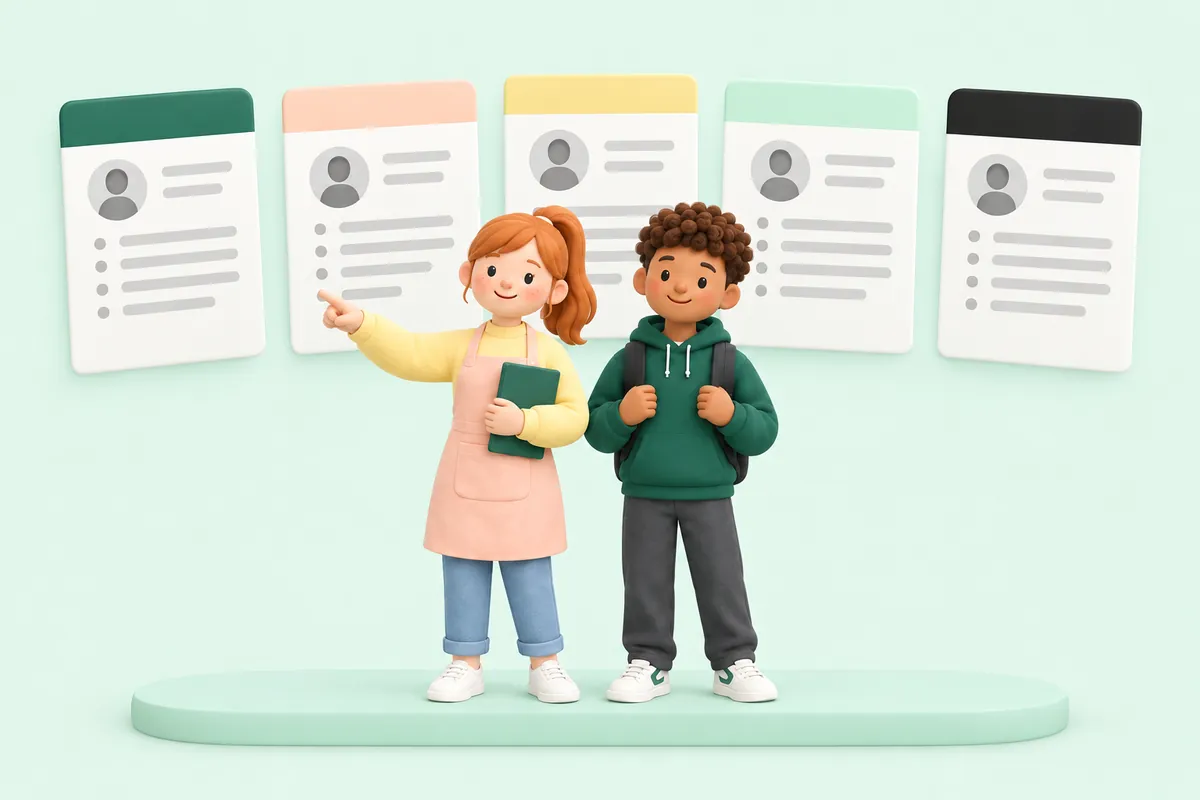
22 designs, drawn exactly the same in your preview and your PDF, plus a simple Word version. Try any of them free with your own details, and switch whenever you like.

Choose the design that fits you

Grouped by style, so you can find the one that suits your job and the way you like to read.

Professional CV templates

Calm, classic layouts for office, admin, finance and any job where a formal look helps.

Modern CV templates

Clean colour panels and timelines. A fresh look that still reads easily.

Creative CV templates

Bolder colour and shapes for hospitality, retail, creative work and first jobs.

Simple CV templates

Plain and tidy, with lots of white space. Nothing gets in the way of your words.

How to make the most of a CV template

  1. Start with any design. It isn’t a final choice: you can switch at any time and your words move with you. If you’re not sure, a Professional or Simple design is never wrong.

The dos and don’ts of CV templates

Do

  • Keep it to one or two pages
  • Put your most recent job first
  • Use the same design for your CV and cover letter
  • Pick colours that are easy to read when printed
  • Save and send it as a PDF unless the advert asks for Word

Don’t

  • Squeeze text smaller just to fit more in
  • Add a photo, date of birth or marital status
  • Mix lots of fonts and colours
  • Leave big gaps between jobs unexplained
  • Copy an example word for word: make it about you

Questions about CV templates

Are the CV templates free?

You can try every design for free: answer the questions and see the start of your CV in any design. You pay only when you want to download the full CV as PDF and Word.

Can I change my template later?

Yes. Switch between all 22 designs at any time, even after you’ve paid. Your words move with you, so nothing needs retyping.

Which CV template is best for UK jobs?

Any clear, one or two page layout with your contact details, a short profile, your work history and your skills. For formal jobs pick a Professional or Simple design; for shops, cafés, care and first jobs any of them works, so choose the one you like reading.

Will a recruitment system be able to read my CV?

The PDF has real, selectable text, and the Word file is a simple single column, which is the safest choice when an advert asks you to upload a Word CV.

Can I change the colours?

Yes. Most designs come with a few colour choices, and you can pick your own colour too.

Should I put a photo on my CV?

In the UK, most employers don’t expect a photo, and leaving it off keeps the focus on your experience. Ceev’s designs don’t need one.