UK Cover Letter Format
A UK cover letter should fit on one page, use a plain layout with your contact details at the top, and be sent either as the body of an email or as a separate attached document, depending on how the employer asks you to apply. Keep the structure simple: a greeting, three or four short paragraphs, and a sign-off.
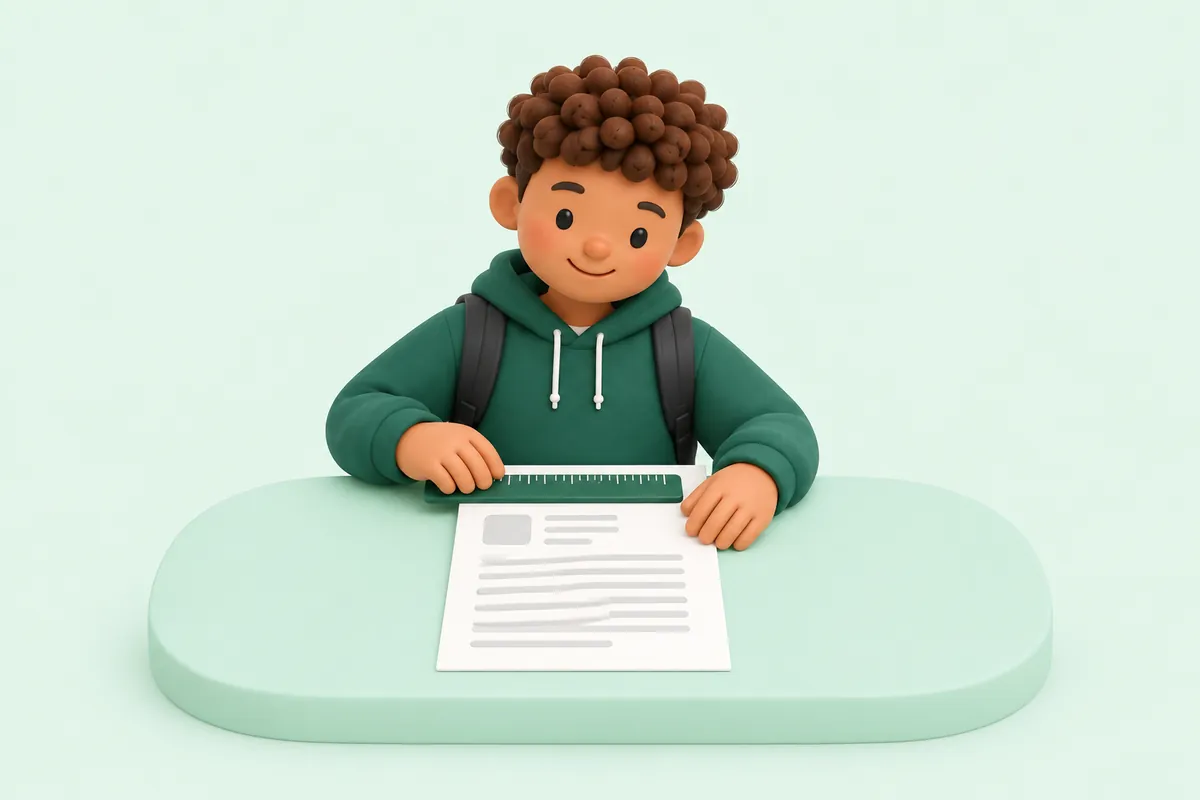
Keep it to one page
A cover letter should never run longer than one page. If yours is spilling onto a second page, look for paragraphs that repeat your CV rather than adding anything new, and cut them.
A one-page letter is also easier for a busy reader to take in fully, rather than skimming a longer document and missing your best points.
If you are struggling to fit everything in, remember that the letter only needs one or two strong examples, not a full account of your work history.
A shorter letter is not a weaker letter. Being able to make your case clearly in a small amount of space is generally seen as a strength, not a shortcut.
What to include at the top
Start with your name, phone number and email address, either on separate lines or across a single line at the top of the letter.
Add the date below your details, and then the name of the business you are applying to, and the hiring manager's name if you have it.
You do not need a full postal address for either yourself or the employer in most everyday job applications, particularly when the letter is emailed rather than posted.
If you are posting a printed letter rather than emailing it, it is still worth including at least the town or city for both you and the employer, since a fully blank address block can look unfinished on paper.
Basic layout rules
Use a plain, readable font such as Arial or Calibri, in a similar style to your CV so the two documents look like they belong together.
Leave a blank line between paragraphs rather than indenting the first line of each one. This is the standard, easy-to-read layout for a UK cover letter.
Keep margins reasonably generous and avoid cramming the text to fit the page; a slightly shorter letter with normal spacing reads better than a full page squeezed to fit.
Avoid using bold, italics or colour to try to make your letter stand out. A plain, consistent layout reads as more professional, and the content of the letter is what actually does the persuading.
Matching your cover letter to your CV
It helps to use the same font and a similar heading style on your cover letter as on your CV, so the two documents read as a matching pair rather than two unrelated files.
This does not need to be complicated. Simply keeping your name, and the font you have used, consistent across both documents is usually enough to achieve this.
A small touch like this rarely gets commented on directly, but it adds up to an application that feels put together, rather than two documents thrown together at different times.
Email versus attached letter
Some employers ask you to attach a cover letter as a separate document alongside your CV. In this case, format it as a full letter with your details, the date, a greeting and a sign-off, and save it as a PDF.
Other employers simply want you to write your cover letter in the body of the email itself, with your CV attached separately. In this case, you can drop the formal address block at the top and start straight with the greeting.
If the job advert does not specify, either approach is acceptable; a short email covering letter with your CV attached is a safe, commonly used default for online applications.
Formatting an email cover letter
Use a clear subject line naming the role, use the same greeting and sign-off rules as a formal letter, and keep the email itself just as short: three or four brief paragraphs.
End the email with 'Yours sincerely' or 'Yours faithfully' followed by your name, in the same way as an attached letter, rather than a casual sign-off like 'Cheers'.
A later guide in this series covers sending a CV by email in full detail, including subject lines and file names.
File naming and saving
If you are attaching your cover letter as a document, save it as a PDF rather than a Word file, so the formatting stays exactly as you intended on any device.
Give the file a clear name that includes your own name, such as 'Sam Taylor Cover Letter', rather than a generic name like 'Cover letter final 2'.
If you use Ceev, you can download your CV and a matching cover letter as PDFs, ready to attach to an application.
A simple checklist before you send
Read the letter through once for content, checking that it mentions the correct job title and company name, and once again purely for spelling and punctuation.
Confirm the greeting and sign-off match, that your contact details are correct, and that the file is saved in the right format if you are attaching it.
A quick final check like this catches most of the small errors that can otherwise undercut an otherwise strong letter.
- Correct job title and company name
- Greeting and sign-off match (sincerely/faithfully)
- Contact details are correct and up to date
- Saved as a PDF with a clear file name, if attached